
Manage work by location, from registration to export.
crewQI brings together the information you need to know who worked where, when work started and finished and which materials belong at a location.
Walk through the product.
Explore five current product views in English, using a synthetic example of a larger Belgian organisation.
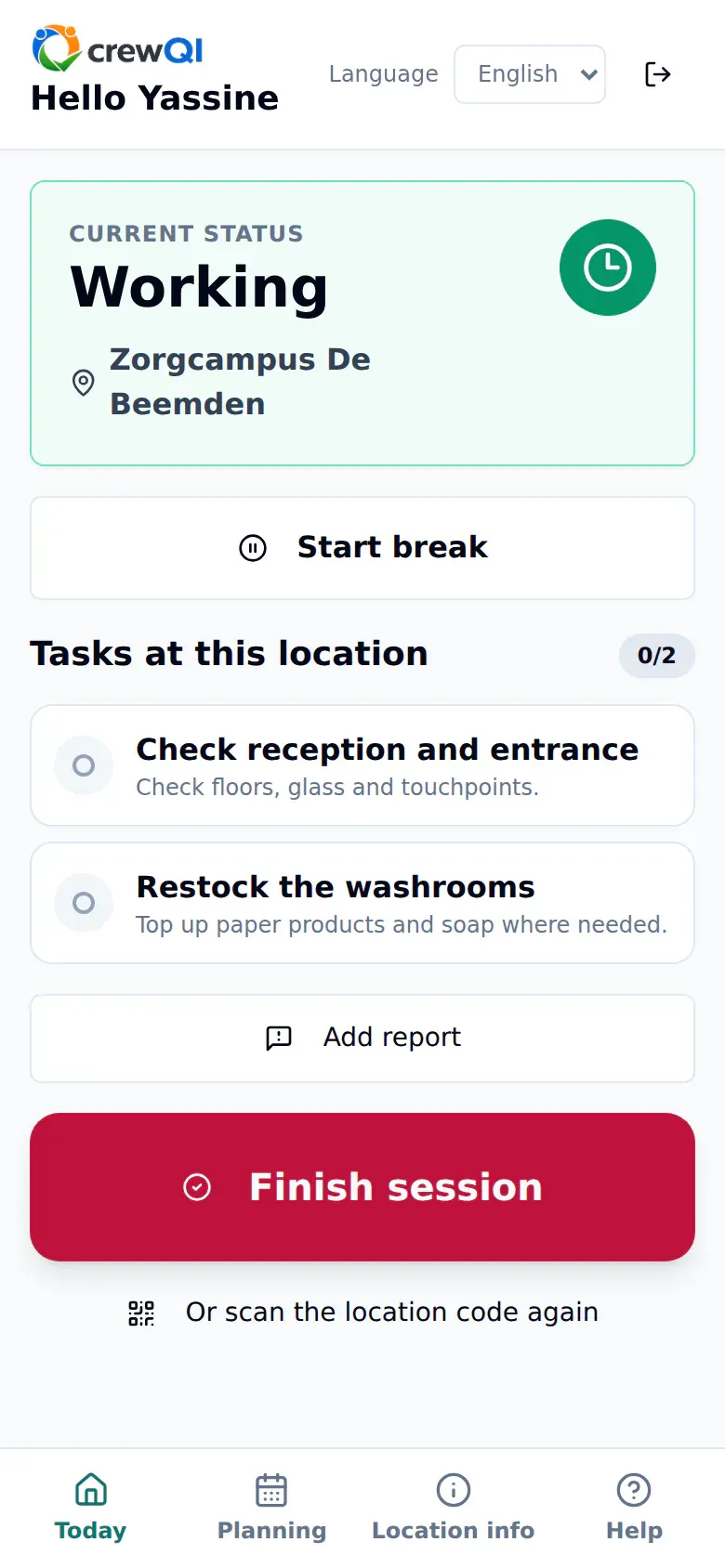
Employees immediately see where their work session is running.
Status, location, pause control, location tasks and the finish action sit together on one mobile screen.
- Active status and location at the top
- Clear pause and finish actions
- Location tasks visible during the work session
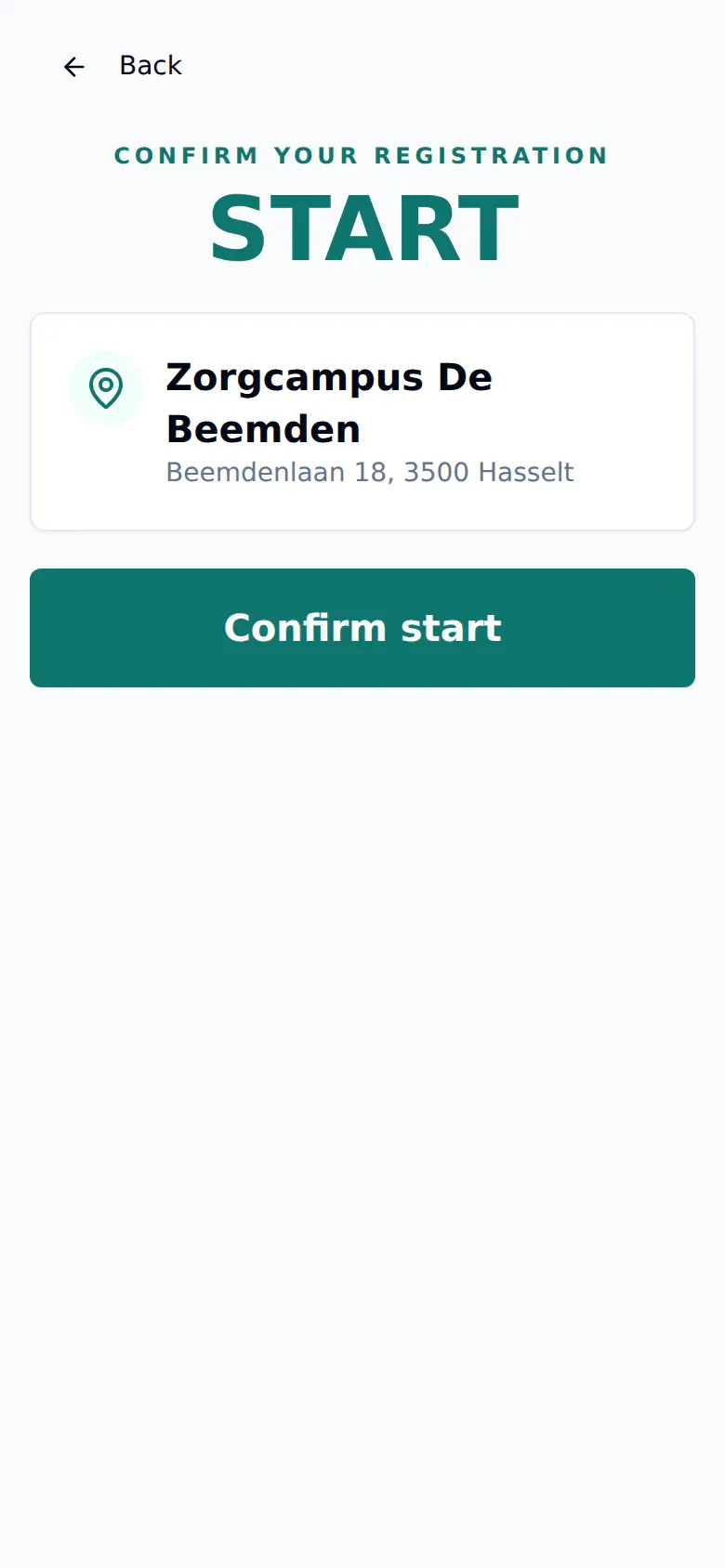
The location is confirmed before registration starts.
After choosing or scanning a location, the employee sees its name and address once more before recording the start.
- Name and address before confirmation
- One primary action to start
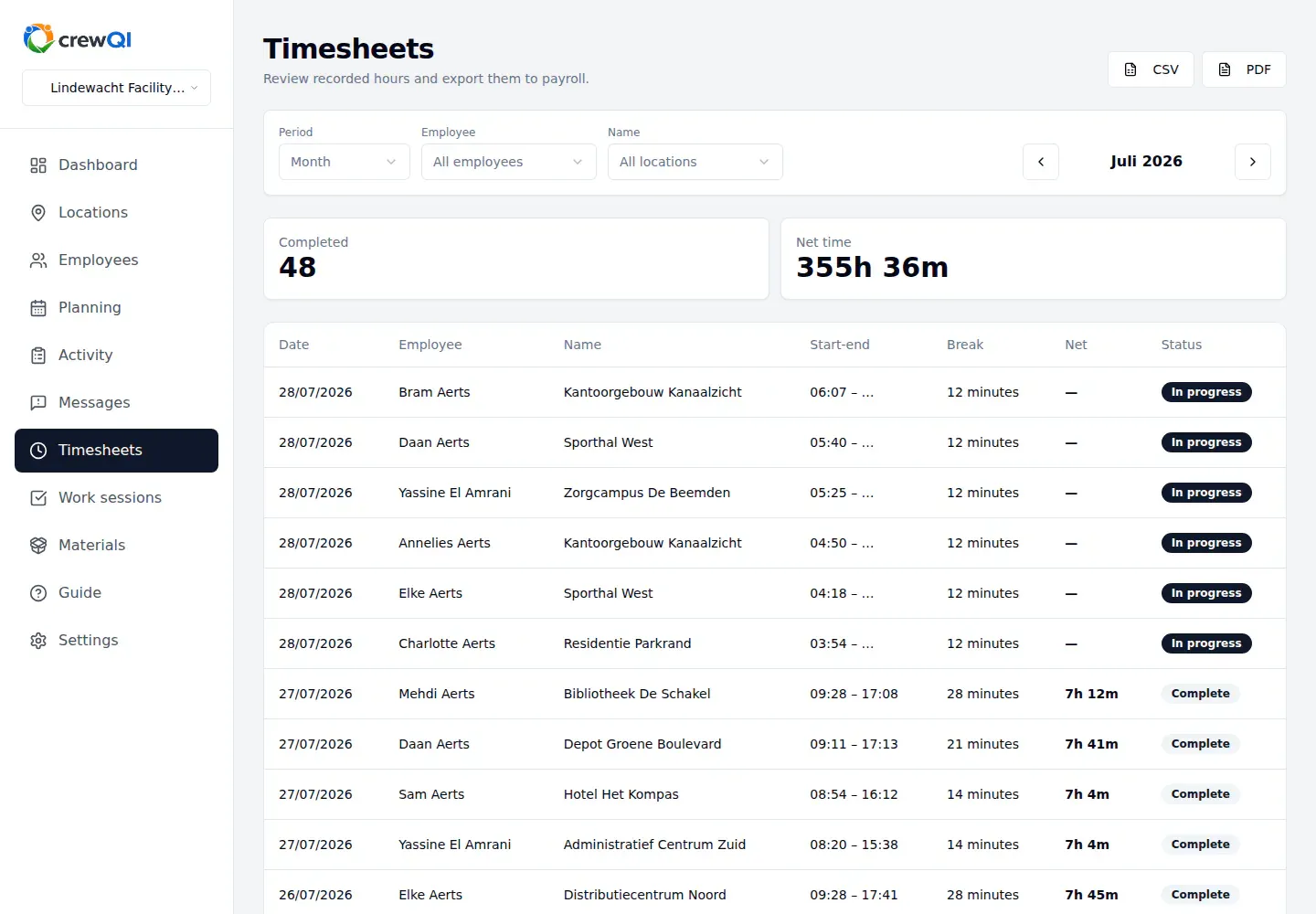
The office checks recorded working time.
Filter by period, employee and location, review start, finish and net time, then export the timesheet as CSV or PDF.
- Period, employee and location filters
- Start, finish, break and net time in one row
- CSV and PDF export
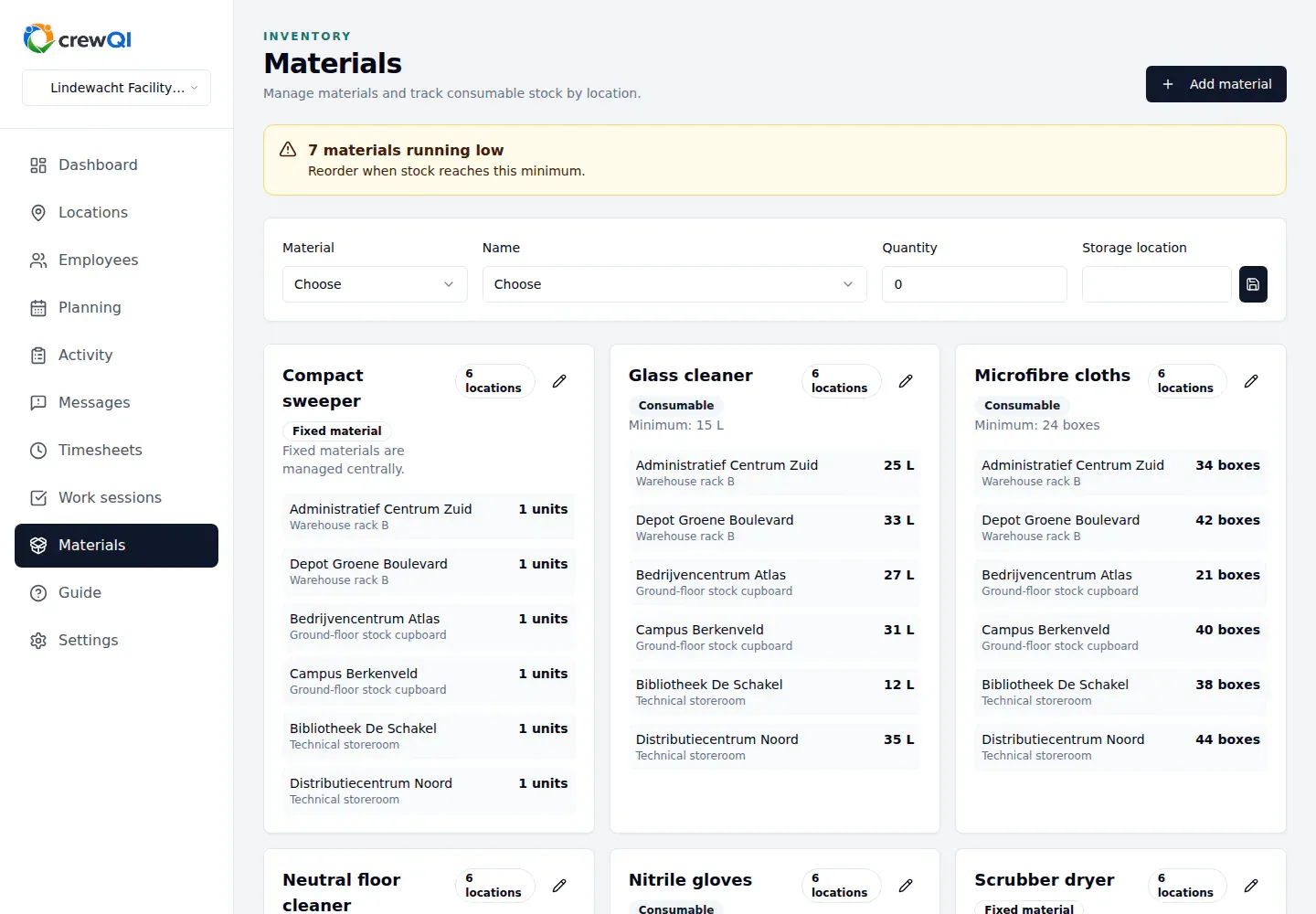
Stock is visible by location.
Material panels show quantities and storage places by location, with a signal when stock approaches its minimum.
- Quantities by location
- Storage place for each stock item
- Warning when a minimum approaches
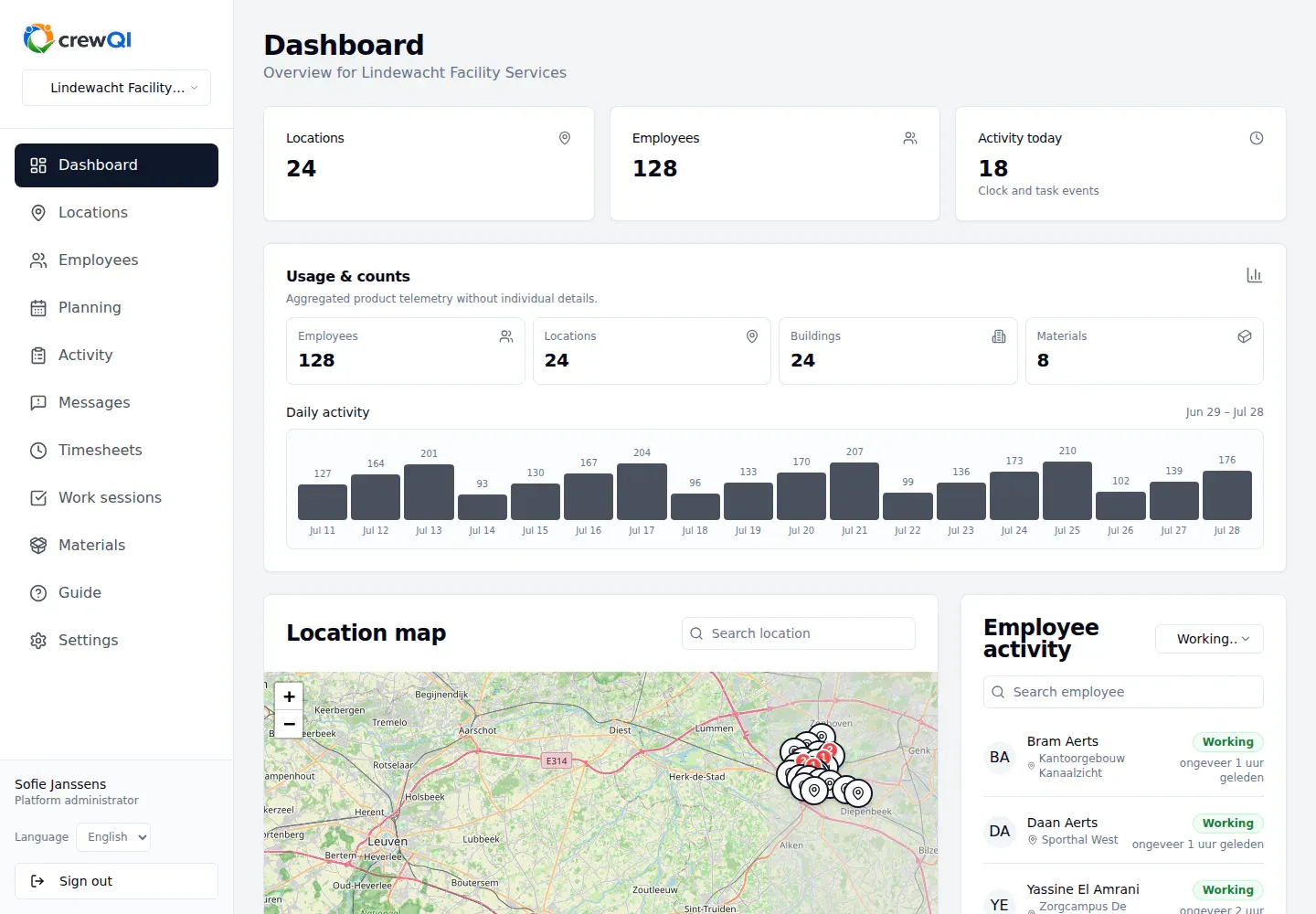
The manager gets an operations overview.
Locations, employees, daily activity, material usage and the location map come together in one dashboard.
- Key location and employee counts
- Daily activity and usage
- Location map and activity by employee
What employees record
Employees choose the correct location and record start, breaks and finish.
- Customer addresses, buildings, worksites and other places of work.
- Employees and access to the organisation.
- Start, break and finish times by location.
- Materials assigned to each location.
- Manage locations, employees and roles.
- Record start, breaks and finish by location.
- Check timesheets and export them as CSV or PDF.
- Track materials and stock by location.
- Review outstanding signals on the dashboard.
Use the dashboard and timesheets to find missing or inconsistent records, investigate discrepancies and export the data.